English
 German
 French
 Italian
 Spanish
 Chinese
Video tracking software
EthoVision XT
EthoVision XT is the most widely applied video tracking software that tracks and analyzes the behavior, movement, and activity of any animal.
-
A cost-effective solution for all standard behavioral tests such as the Morris water maze and open field testing
-
High-throughput and high-content testing
-
Suitable for sophisticated test-protocols






Trusted by researchers around the world
EthoVision XT in 3 minutes
Over the last 25 years, EthoVision XT has evolved from video tracking software into a software platform. Designed to be at the core of your lab, EthoVision XT offers integration of data and automation of behavioral experiments with any animal.
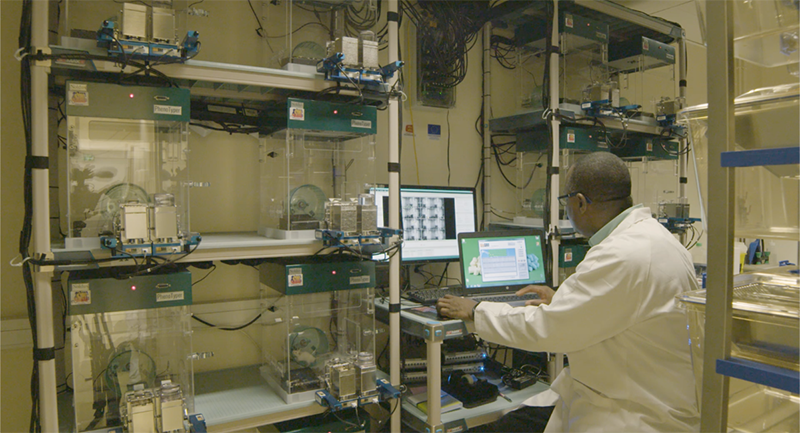
Video tracking technology is versatile and we want you to have software that fits the bill for all of your experiments, from straight-forward protocols such as open field or Morris water maze testing to high-throughput protocols or the automation of optogenetics or operant conditioning tests.

"The tracking software is extraordinary! Keep the good work going. You make our lives easy and each new version of EthoVision is testimony to the fact that the company is frankly put, the best at its game in the world. We appreciate this very much!"
Dr. D. Wolmarans |North-West University, South Africa
What is video tracking?
Video tracking means detecting an animal in a video file or from a live video feed, distinguishing it from its background, and tracking its whereabouts and movements. This is at the core of EthoVision XT.
In addition to tracking, EthoVision XT can also detect activity changes at pixel-level, ideal for studying behaviors such as freezing. You can also manually or automatically score behavioral events, such as rearing or grooming.

What you get out of it
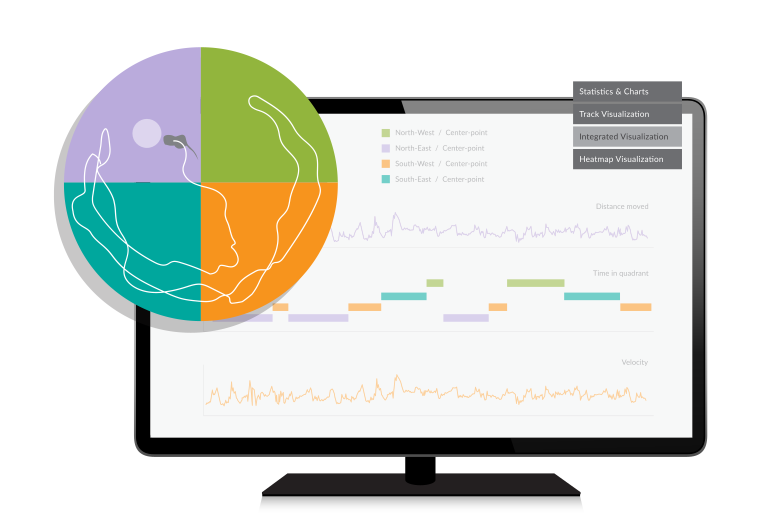
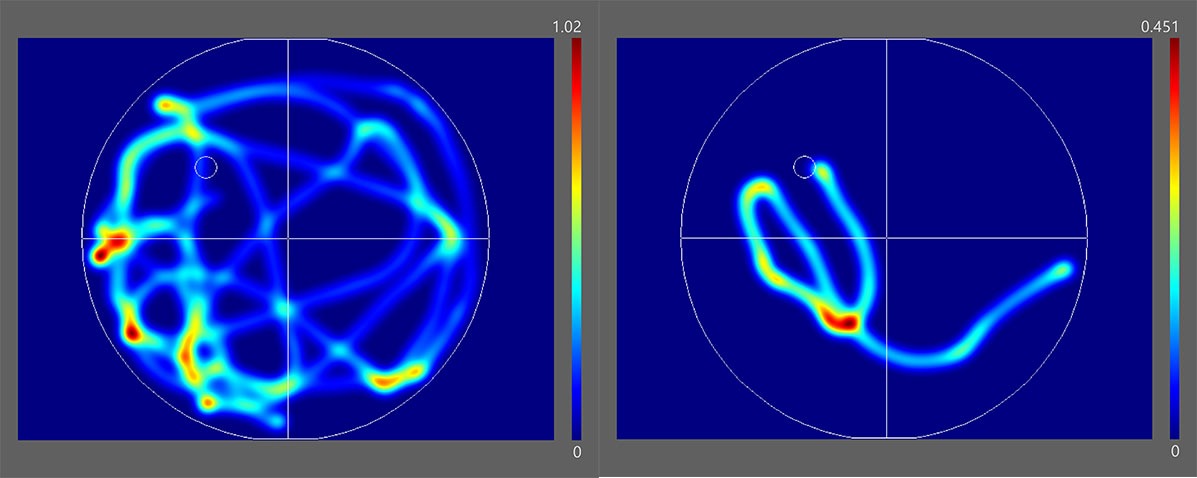
As you can imagine the resulting coordinates and time stamps allow for many different kinds of analyses. EthoVision XT extracts a number of parameters (velocity, distance moved, time spent in a certain zone, and many, many more), and there are several ways to visualize your results, such as in the form of plots, graphs, tracks, and heatmaps.
Integration platform
When you define areas of interest in your arena, EthoVision XT relates movement, activity, and behavior to these zones, and use this information to base control of external equipment on. For example, drop a pellet as the mouse enters the correct arm of a radial arm maze.
EthoVision XT can also be used to integrate optogenetics, operant conditioning, and physiological data streams into your experiment.

EthoVision XT is used in over 22,000 publications. Get your free trial to try it out!
Free e-book
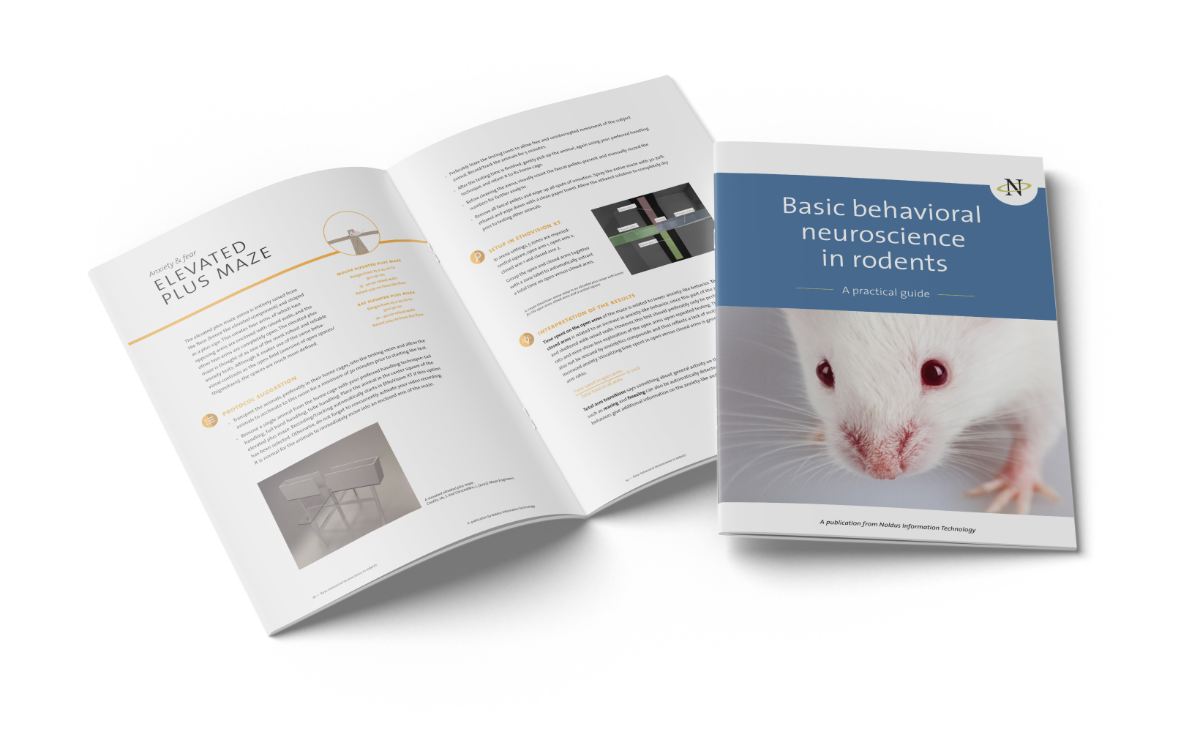
Want to know more about behavioral neuroscience? Check out our free downloadable e-book where we explain from A to Z why and how we measure certain behavior in rodents, what they translate to and how you can you put EthoVision XT to the most advantage in your research.
Free buyer's guide
Want to know more about the perfect video tracking setup? Already have the basics down and looking for the best solution for your behavioral research? Our video tracking buyer's guide lays out the groundwork for you and compares all the options out there on the market.
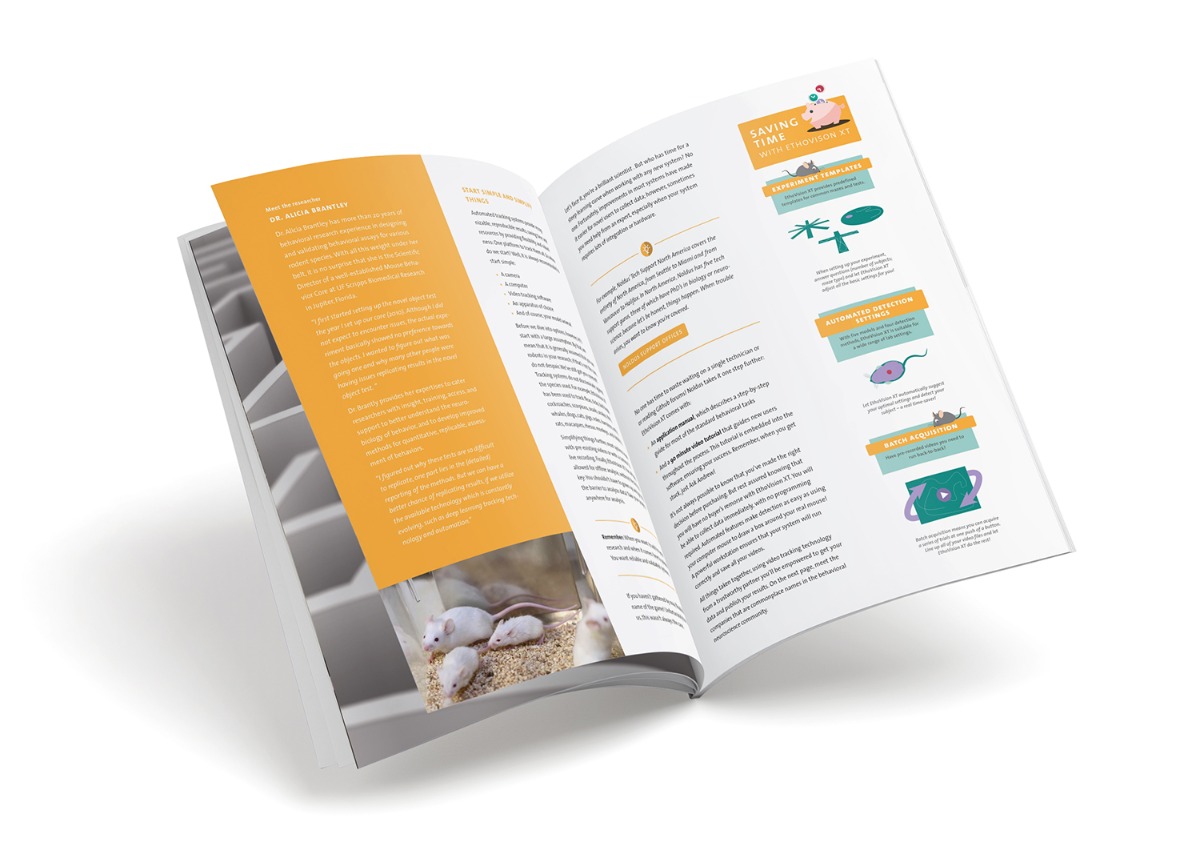
Would you like to preview one of these e-books?


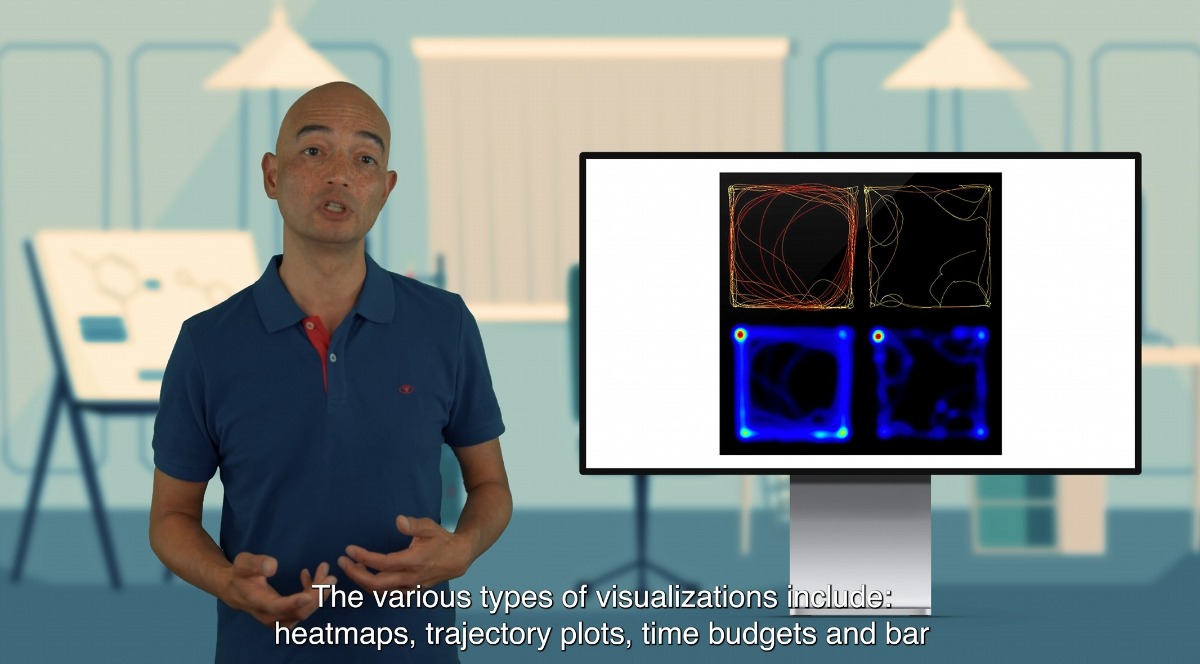
EthoVision XT onboarding training: now in Noldus Academy!
Noldus is thrilled to announce the launch of the Noldus Academy, a learning platform aimed at achieving research excellence through expert training and support. Our EthoVision XT onboarding training is now available in the academy!
Gain exclusive access to the Noldus Academy with NoldusCare. Don't have NoldusCare? No worries, the first sample lesson is on us! And if you feel comfortable after this first lesson, feel free to contact us and ask about the pricing options.
Relevant blogs
Part 2: How researchers use the Morris water maze to find treatments for AD
In this second part of a two-part mini series, we highlight two more studies on potential Alzheimer’s disease treatments that are investigated using a Morris water maze.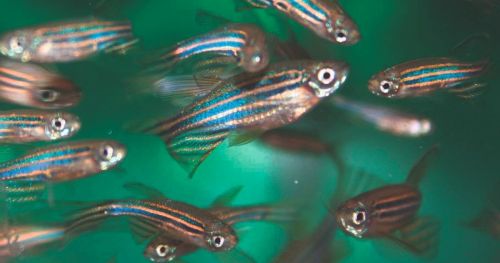
Studying zebrafish behavior using video tracking software
When it comes to studying zebrafish behavior, video tracking software is the ideal tool. Here we highlight five recent posts about studies on zebrafish behavior where researchers applied video tracking software.